Controller Utils – Tracking for the Steam Controller 2026 inside Steam Frame!
 from r/SteamFrame
If you own a Steam Frame and want to use your Steam Controller at the same time (perhaps even playing 2D games on a big virtual screen), you’ve likely had to use the passthrough, or just really know your controller. That’s because, despite Valve noting that the Infrared LED in the controller makes it trackable in the Steam Frame, it has not yet implemented said tracking. However, a modder has once again come to PC gamers’ rescue.
Taking to the Steam Frame subreddit, user Kalluts has shared their Controller Utils GitHub project, saying, “Valve still has not released their official tracking support for the Steam Controller, so I had to take the matters into my own hands.”
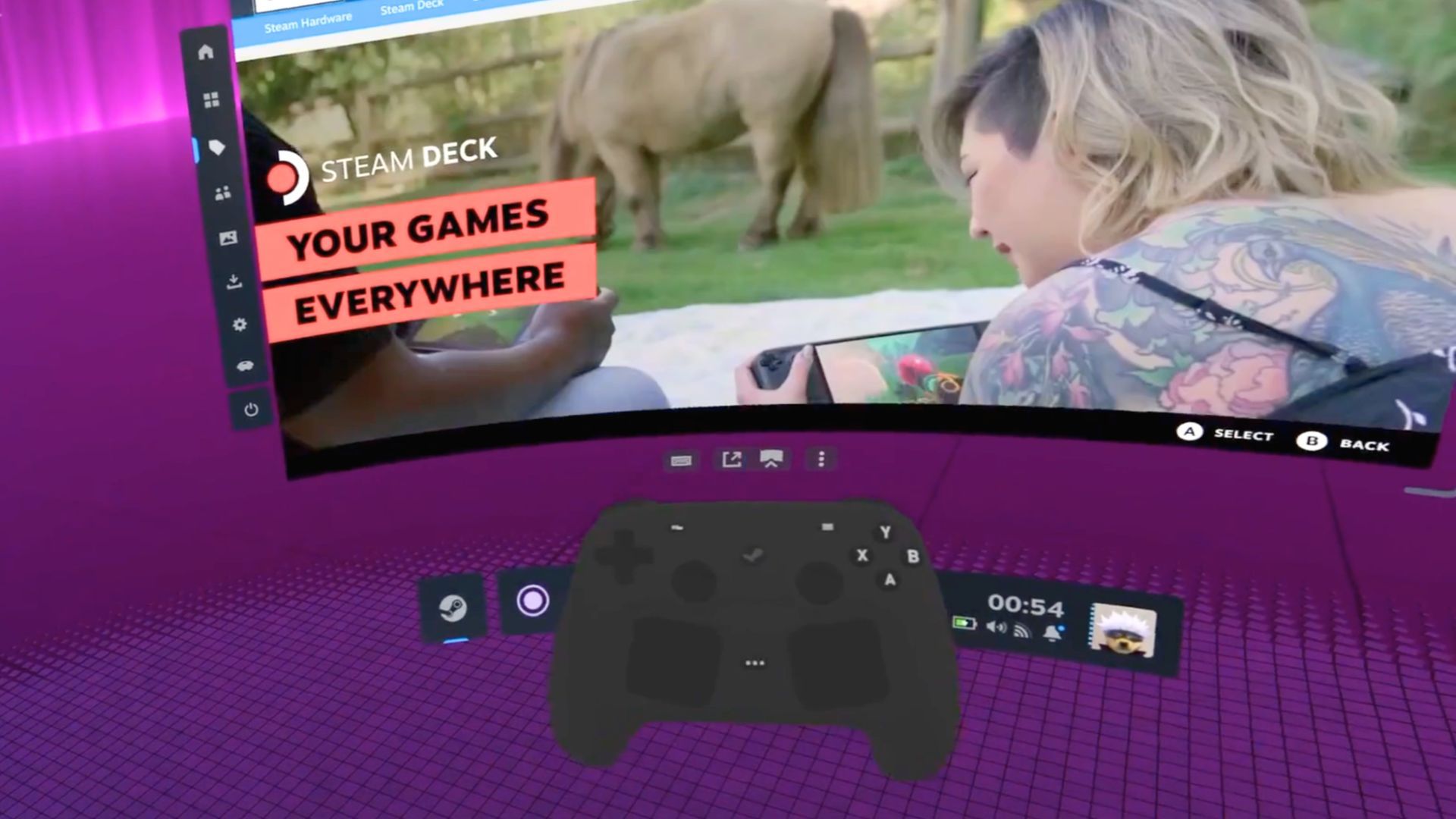
Effectively, their script turns on the controller’s built-in IR LED, using the Frame’s tracking services to pick it up. From here, it displays a 3D model of the controller in VR, and it even has a few animations.
The Steam Controller does not work like a traditional VR controller, though one user says, “I just wanted to know if I could attempt to play Beat Saber with it if I stole a second one from my friend. I know it’s stupid, but I needed to know.” It turns out you can’t (and with just the one LED, its tracking wouldn’t be good enough for a fun time anyway).
If you’re wondering why one might want to use the Steam Controller in VR if it doesn’t work like a VR controller, VR headsets can also run flat games on a virtual monitor.
In the right environment, a VR headset makes playing a game feel like you’ve just jammed a huge TV in your room. Kallut’s implementation does have the ability to control the Steam VR UI, though, which is a nice touch. It also works even if you’ve got a skin on the controller, as the IR shines through the regular status LED on the controller.
As of right now, this Steam Controller tracking support only works in Valve’s Stable and Beta SteamOS channels, and the Preview channel has not yet been tested. Kalluts also points out that the one LED makes tracking inconsistent, so if tracking starts to drift, “just hold the controller in front of you again and it should recover eventually.”
Kalluts goes on to clarify that “since this interfaces directly with the native tracking, if Valve pushes some updates to those components the tracking might break. But I’ll try to maintain this at least until Valve releases official tracking support for the Steam Controller.”
We don’t yet have a timeline on when Valve plans to implement its own tracking, but this is a pretty good workaround until then.