
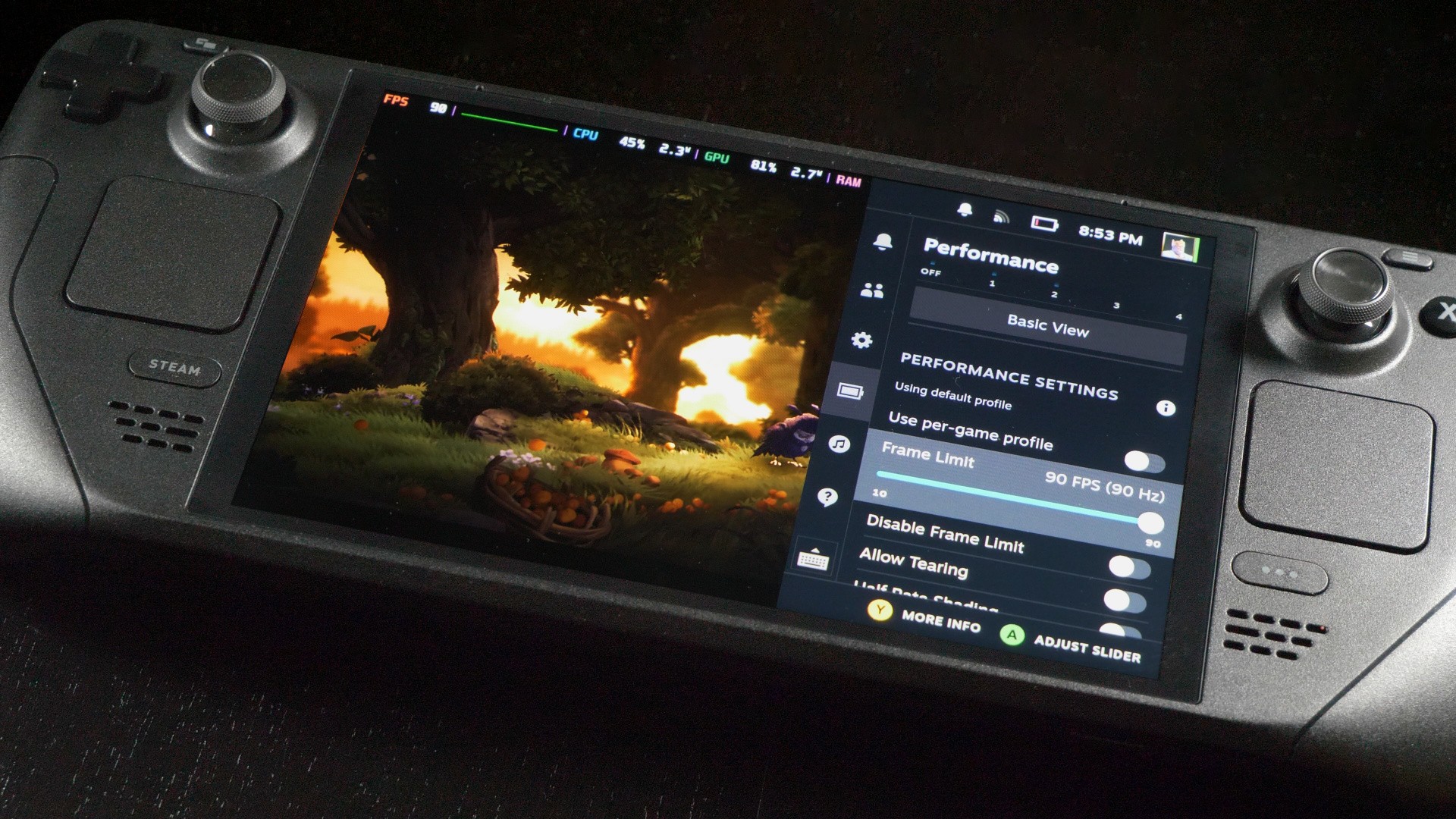
## Optimizing Resident Evil Requiem on the Steam Deck
### Introduction
As the gaming landscape evolves, handheld devices like the Steam Deck have gained traction, allowing gamers to experience high-quality games on the go. One such title, “Resident Evil Requiem,” stands out with its impressive performance on the Steam Deck, especially when the right optimizations are applied. This article explores optimal settings and performance expectations for playing “Resident Evil Requiem” on Valve’s portable gaming device.
### Performance Overview
“Resident Evil Requiem” has been praised for its stellar balance between graphical fidelity and hardware demands. It manages to squeeze an impressive gameplay experience even on lower-end devices like the Steam Deck. The game requires a minimum of 16GB of RAM; however, the Steam Deck’s memory is divided between CPU and GPU usage, making it technically satisfying, yet challenging under load conditions.
While the Steam Deck excels in many areas, players may encounter stutters and frame drops due to its unique architecture during intensive sections of the game. Nonetheless, with proper settings, performance remains decent, often crossing the 30fps threshold in the game’s most challenging areas, and averaging between 40-45fps under typical conditions.
### Recommended Settings for Steam Deck
To achieve a smooth gameplay experience, the following settings are recommended based on testing results and performance metrics:
– **Motion Blur:** Off
– **Ray Tracing:** Off
– **Hair Strands:** Off
– **Texture Quality:** High
– **Texture Filter Quality:** High (ANISO x16)
– **Mesh Quality:** Low
– **Screen Space Reflections:** Off
– **Subsurface Scattering:** High
– **Lens Distortion:** On (+ Chromatic Aberration)
– **Depth of Field:** On
– **Upscaling Technology/Upscaling Mode:** FSR 3.1 on Quality mode
– **Frame Generation:** Off
– **Particle Lighting:** On
– **Volumetric Fog Generation:** Normal
– **Lens Dirt:** On
– **Lens Flare:** Standard
– **Shadow Quality:** Normal
– **Contact Shadows:** On
– **Ambient Occlusion:** High
– **VFX Quality:** High
### Gameplay Experience
Despite some limitations, such as a lack of native support for 16:10 resolutions and reduced battery life compared to games like “Resident Evil 4,” “Requiem” impresses with its responsive controls and fluidity. The gamepad control scheme is compatible with the Steam Deck, ensuring a comfortable gameplay experience without requiring extensive customization.
Players may experience shorter battery life, approximately 1 hour and 18 minutes per charge, but the engaging nature of “Resident Evil Requiem” often justifies the gameplay time. The game’s design and performance on handheld devices mark it as a high point in gaming portability, proving that a robust experience can exist outside traditional setups.
### Conclusion
“Resident Evil Requiem” successfully demonstrates that high-quality gaming can be enjoyed on handhelds like the Steam Deck. With proper optimization settings, gamers can experience solid performance while immersing themselves in the horror-action narrative of the game. The combination of striking graphics and reasonable hardware demands makes “Resident Evil Requiem” a worthy title for Steam Deck users, paving the way for more games to follow suit in handheld optimization.