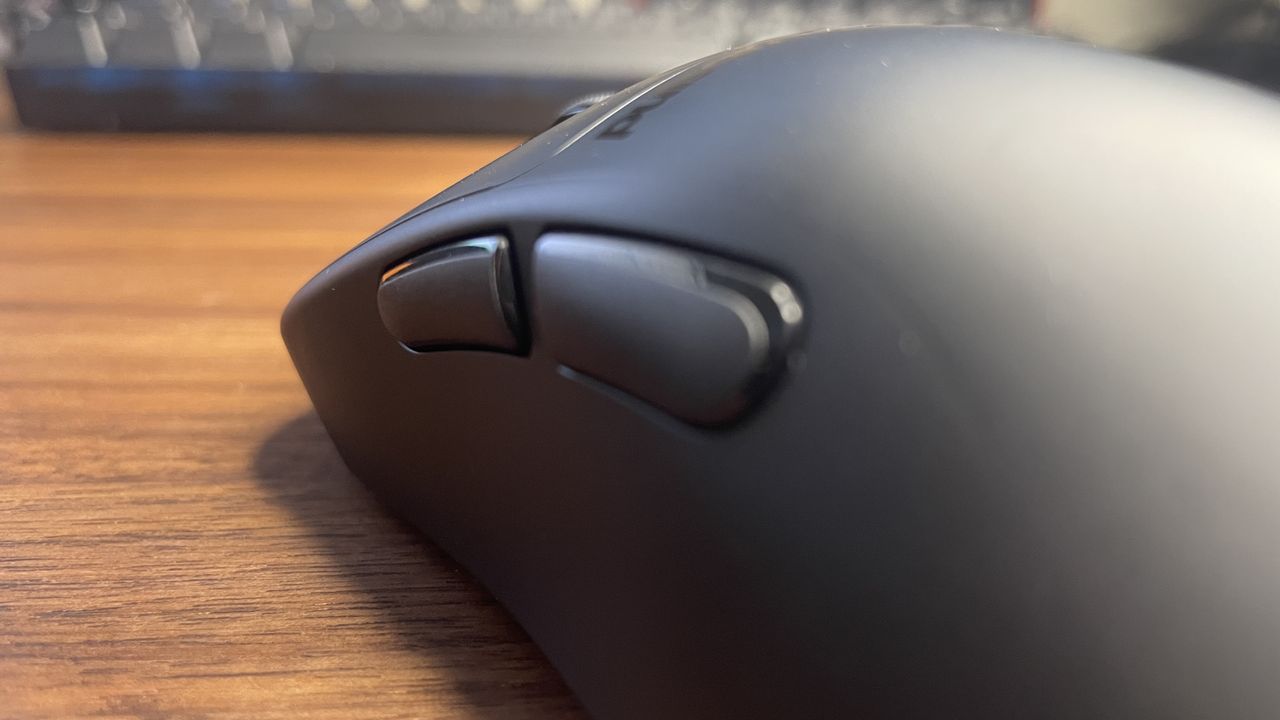
What are your expectations from gaming mouse software? If you resemble me in any way, your immediate response to that inquiry might be ‘not much.’ However, through the years, I’ve come to realize that when we ask for ‘not much,’ it appears to entail quite a bit to request, judging by the overly bloated and complex software that is frequently presented to us.
We’re often provided with exactly the types of features that users do not desire from their peripheral software. A nice color scheme and elaborate animations are acceptable, of course, but ultimately, what truly matters for most gamers is the speed and ease with which they can access, adjust their DPI or polling rate, perhaps check for a firmware update, and swiftly exit.
At no stage in that process is there a need to oversee an entire ecosystem of devices, and if that is your desire, why should that obligation be imposed on those who only require a simple application? A dedicated app for such functionalities could suffice. Instead, we frequently find ourselves burdened with lighting hub management, community components, and even advertisements.
Even if, like me, you enjoy configuring some of the less frequently utilized mouse features such as sensor rotation and lift-off distance (LOD), you’re not delving into your peripheral software for prolonged periods. It remains a utility, meant for quick and infrequent access. It ought to stay out of your way.
Nevertheless, since I’ve begun exploring options beyond the largest manufacturers for my gaming mice, I have discovered how mouse software can and should be implemented. In fact, I’ve found that one can indeed have it all. You can enjoy a comprehensive list of pivotal features within a sleek, responsive, and visually appealing GUI that importantly, keeps itself unobtrusive.
The finest example I’ve encountered of this is Pulsar’s web software. This encompasses all the functionality of the desktop application—yes, there exists one of those, too—adds a little extra, and packages it in a vibrant and highly responsive web app. You are presented with all the vital information, including DPI, battery life, and so forth, and the tabs at the top are distinctly labeled, responsive, and not excessive.
There is a plethora of genuinely useful mouse features, and it never feels cluttered or overwhelming, as function is prioritized. The company has previously stated that it’s “listening to the community,” alongside a video showcasing the new sensor rotation functionality, which users had evidently been requesting. To many, such features might appear unnecessary, but I’ve learned that these types of settings can be incredibly beneficial.
Getting rotation calibration accurate, for instance, can enable your mouse movement to align much better with your intentions when swiping, alleviating the need to subconsciously adjust your aim to compensate for a slight angle in how you hold your mouse.
It turns out, you can achieve that while still having a product that looks and feels fantastic to use, as the Pulsar web software stands out as the best among those I’ve tried.
Pulsar isn’t as prominent as brands like Razer, Logitech, Corsair, etc., but it is hardly unknown. Nonetheless, I’ve found that even smaller brands can produce software that incorporates an abundance of features while remaining unobtrusive.
The software distributed by the Chinese mouse ‘clone’ brand Mchose is available in both web and desktop versions, and although it appears slightly cluttered, it remains easy to locate the settings you need, without being obscured behind convoluted multi-layered tab sections and excessive bloat.
I’ve also observed that both Pulsar’s and Mchose’s software consumes significantly less RAM compared to some of the more bloated applications, as illustrated by the chart below based on my personal testing. This is advantageous considering that mouse software should, as I mentioned earlier, merely act as a utility. It shouldn’t add any concern regarding the potential clogging of your precious RAM resources.
The significance of the software from these manufacturers being available in both local and browser-based versions should not be understated. There are valid reasons for opting for either. Web apps are beneficial as they eliminate the need for yet another application installed on your PC, potentially slowing it down, and they can leverage the WebUSB API without necessarily being entirely custom-built. Conversely, having local applications is advantageous in case your internet connection falters or the website becomes inaccessible.
Regardless, what you ideally seek is something that you don’t have to keep running, allowing you to save your settings to your mouse’s onboard memory. This, of course, also hinges on your mouse’s capability to store various settings, but most mice are capable of that nowadays.
One way to attain the best of both realms regarding web and local software is to have the web app be installable in your browser for offline access. Corsair allows you to do this with its Web Hub software. Admittedly, this does indeed install a local application, but all