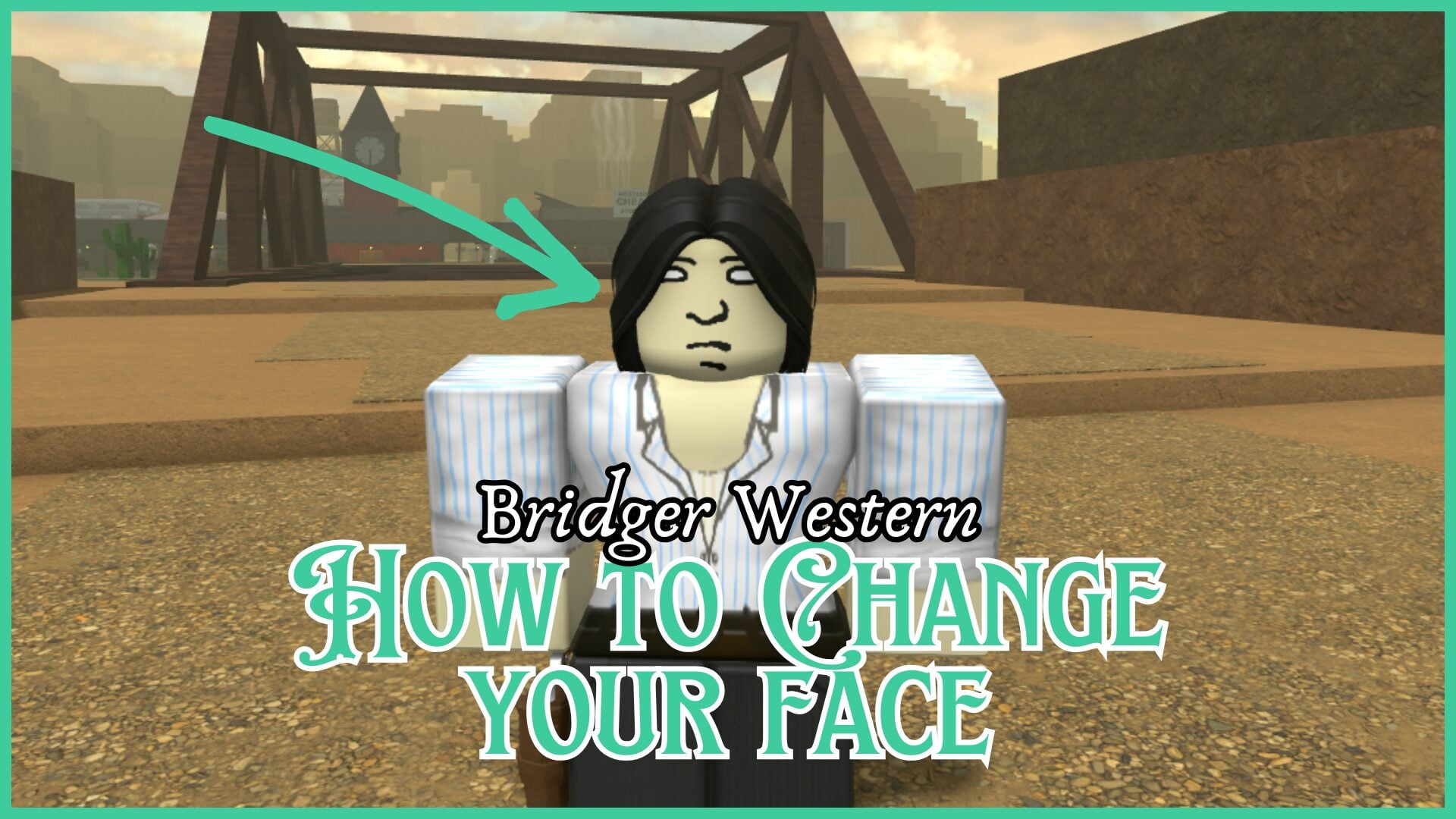
If you’ve taken your first look at your character and grimaced, you might be wondering how to change your face in Bridger Western. There are two ways to do so, which I explain in further detail in this Bridger Western guide.
While it doesn’t cost Moola, you still need plenty of it, and with a range of money-making methods, you’ll be rich in no time.
How to Change Your Face in Bridger Western
We’ve all been there. You’ve made a new character in Bridger Western, hoping to get an appearance you’re happy with, only to absolutely hate the face you’ve been given. There is a selection of randomly assigned faces, and there’s no way of guaranteeing a specific one.
You might think the only way to get around this is by wiping and making a new character, which is true, but there’s a second option, too.
Can You Change Your Face?
The short and sweet answer is yes. There are two ways of changing your face, with one being a bit more arduous than the other. I’ll also go over which option I’ve been going with myself.
Wiping Your Character
This may seem obvious, but creating an entirely new character grants you a new face, outfit, hairstyle, and name. Bridger Western makes it incredibly easy to wipe your character, giving you the option straight from the main menu. On the left side, there are a few options to click, such as ‘Play’, but the ‘Wipe’ option allows you to permanently delete your character.
The game asks you again to make sure you actually meant to click ‘Wipe’. After you wipe, your character is automatically deleted, and the ‘Create Character’ button appears on the menu. From here, you can create a new character to see which face you get next.
I’ve mentioned this above, but you cannot sway the game to give you a particular face. It’s entirely random. As far as I know, there are no differences in the faces of Outlaws or Inlaws.
While this method is easy, it gets annoying after a while. Luckily, creating a character doesn’t take too long.
The Crazy Diamond Stand
For this method, you need to find a player with the Crazy Diamond Stand. This Stand features something called the ‘Restore Mode’, and when paired with the R ability, the move changes to Facial Reconstruction. This is a punch that has a 10% chance to change the face of the player they hit.
Ask them to hit you, and there you go, you’ve got a new face. Again, the face you get is random, so you might have to receive a few more punches. Make sure your Tier is high enough, or have some HP replenishing abilities or items on hand, or you’ll be downed. There’s a 90% chance your face won’t change after being punched, so just keep that in mind.
Do You Need to Change Your Face?
Your character’s face has no impact on your stats or abilities. In short, it is just a cosmetic and only affects how your character looks. Some people don’t care about the appearance of their characters, but for others, it’s a crucial part of the game, especially in an RPG. I’m with the latter, as character customisation is super important to me when it comes to video games.
My Recommended Method
If I were you, I’d just go with the option of character wiping. It’s much simpler and quicker than finding a player that has a specific Stand, hoping for a 10% chance of your character’s face changing after being punched.
Before making any progress with your character, wipe as many times as you want until you get a face you’re happy with. You’ve got nothing to lose if you haven’t done anything in the game yet.