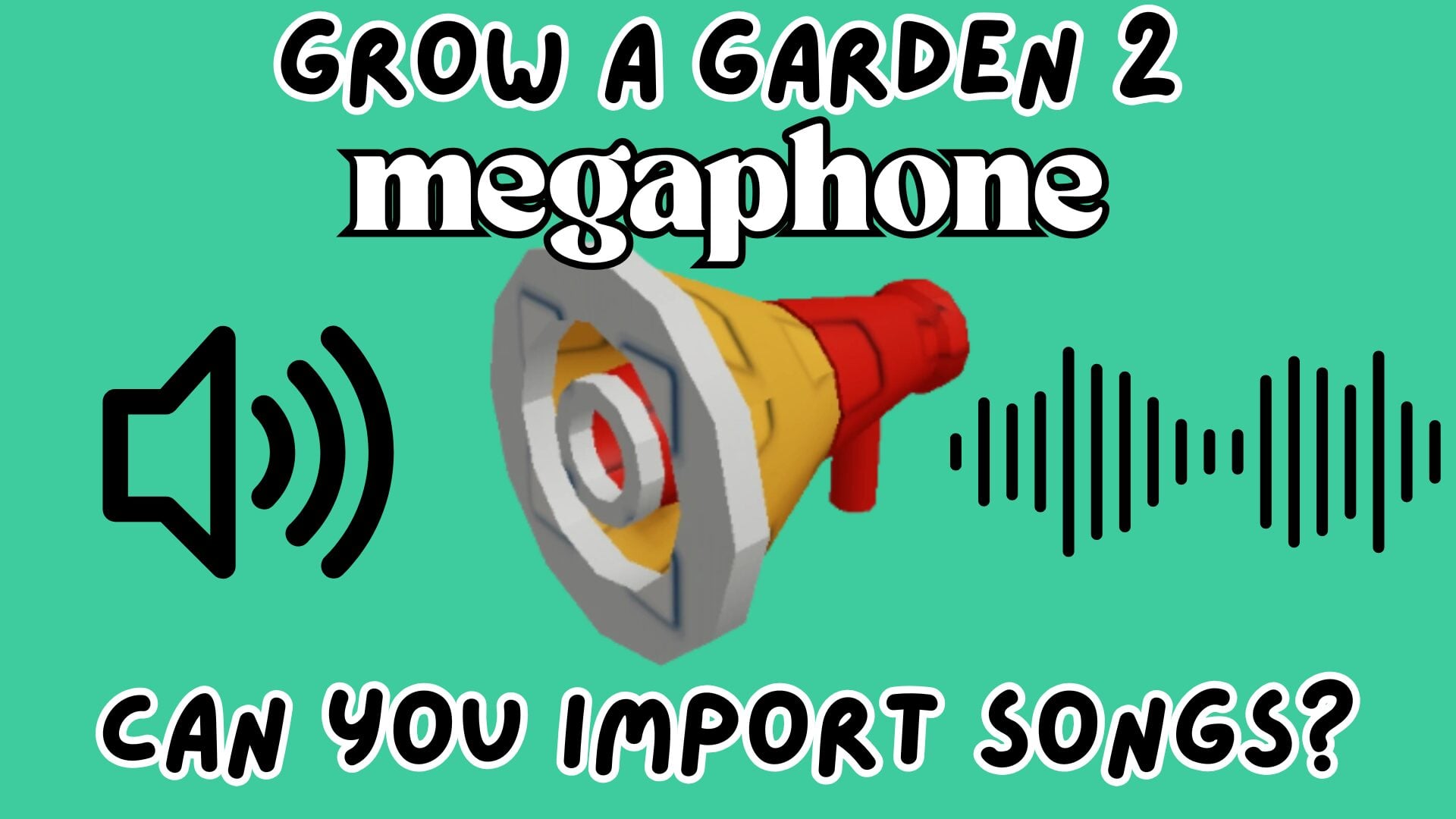
The **Megaphone** in *Grow a Garden 2* is an innovative feature allowing players to enhance their gaming experience by playing sound effects and songs aloud within their server. These songs must be sourced from the Roblox Creator Store and are accessible through Asset IDs.
Another exciting addition to the game is the **Strawberry Sniper**, a high-cost item priced at 13 million Sheckles, offering a potentially powerful advantage in gameplay.
**Can You Import Songs For the Megaphone?**
To use songs with the Megaphone, players can’t import their own music but must rely on existing Roblox Sound IDs. This involves browsing the Roblox Creator Store for audio tracks, then copying and pasting the Asset ID into the Megaphone in *Grow a Garden 2*. The process involves selecting an audio track, copying its Asset ID, and then entering it into the game via the cogwheel icon when holding the Megaphone. The dice button provides a random sound option from the available Roblox sounds.
**How to Get the Megaphone**
The Megaphone is available for purchase at the Gear Shop for 8K Sheckles or 49 Robux. Classified as Rare, it’s typically available upon shop restock and can be reused as often as desired. While it offers no direct gardening advantages, its novelty and social interactions enhance the play experience.
**Frequently Asked Questions**
– **Can I Mute the Megaphone?**: To mute sounds from others’ Megaphones, players must mute the game’s main volume, which mutes all sounds.
– **Do Megaphones Work in Private Servers?**: Yes, Megaphones function in both public and private servers, allowing for more controlled sound interactions.
– **Can I Play Songs That Aren’t on the Roblox Store?**: No, only tracks with Roblox Sound IDs are playable.
With the Megaphone’s interactive features and the strategic investment of the Strawberry Sniper, *Grow a Garden 2* provides an enriched and engaging environment for players seeking a blend of fun and challenge.