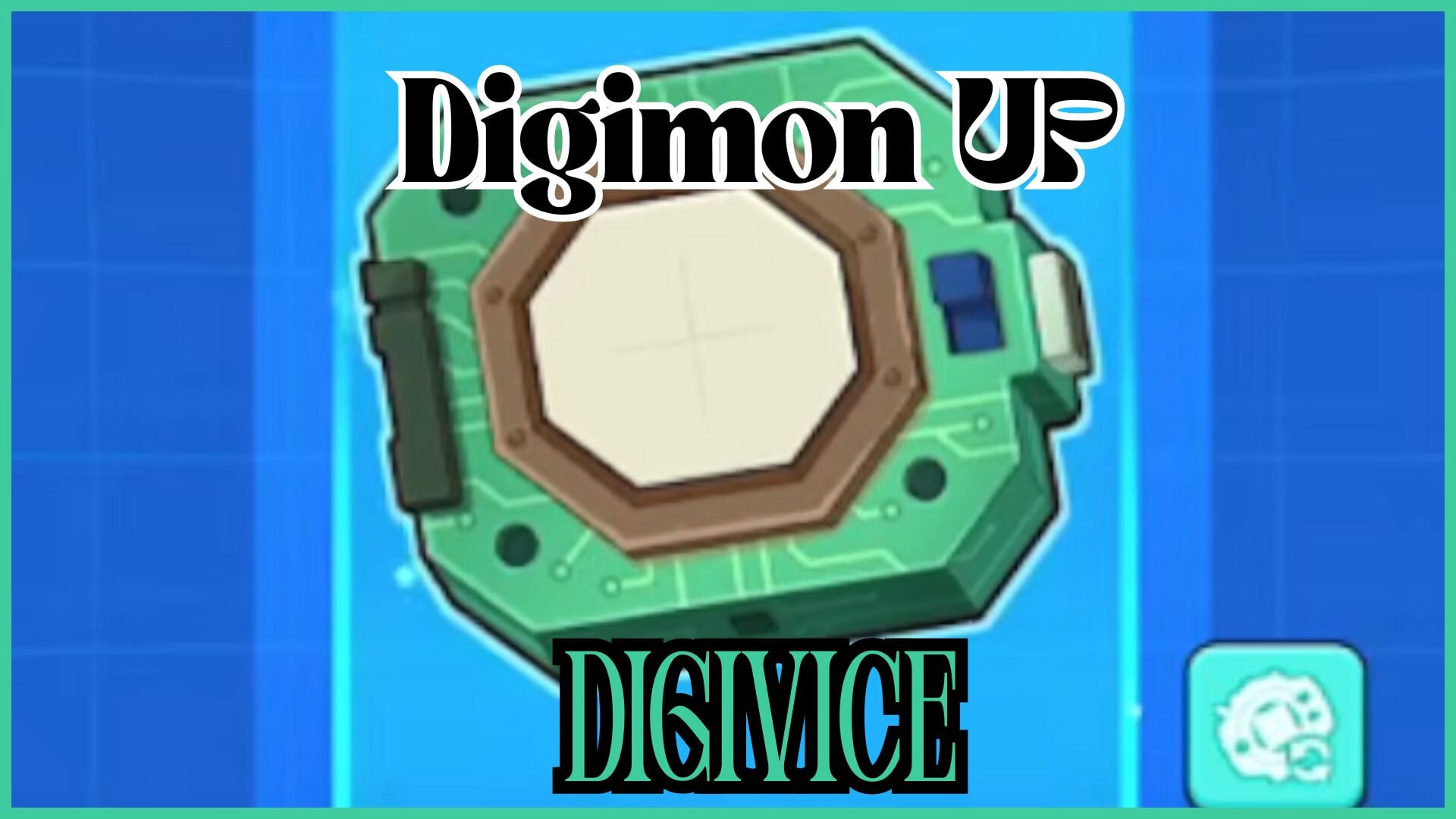
I’ve covered everything you need to know about the **Digimon UP Digivice**, from unlocking parts to changing its appearance.
If you’re struggling to get to stage 120 in [Digimon UP](https://dgup.bn-ent.net/en/), you might need to switch out your current Digimon. Refer to my [Digimon UP Tier List](https://www.gamezebo.com/walkthroughs/digimon-up-tier-list/) to see which ones are the best for your team.
## Digimon UP Digivice
The Digivice is a piece of equipment which grants additional buffs and effects to your Digimon. It’s a crucial feature to unlock as soon as possible, as it makes progressing through each stage much easier.
Another to take note of is the [Digimon UP Hologram Device](https://www.gamezebo.com/walkthroughs/digimon-up-hologram-device/).
### How to Get a Digivice in Digimon UP
To obtain the Digivice, you need to complete Stage 120. As long as 2 days have passed since the server first opened [which, if you’re reading this right now, it’s definitely been over 2 days], you can unlock the Digivice.
To speed things up, you can use the auto-battle feature until you get past Stage 120, which is when you obtain the Digivice. Getting through each Stage is one of the most important parts of Digimon UP, as most of the content is locked behind the completion of these levels.
### Parts
You need to conduct Function Research to collect the different parts for your Digivice. Each Function Research session costs DigiChips, gradually increasing in cost, and the Digivice parts you get are random. To get DigiChips, the best thing to do is to take part in the Dungeons.
For example, the first Function Research costs 150 DigiChips, the next 250, then 400, and so forth.
– **LCD**
– External Part
– **Button**
– External Part
– **Body**
– External Part
– **Memory**
– Internal Part
– **Storage**
– Internal Part
– **Disc**
– Internal Part
– **GPU**
– Internal Part
– **CPU**
– Internal Part
– **APU**
– Internal Part
Internal parts are of the following rarities: N, R, and HR, whereas External parts can be SR, SSR, and UR. As you can see, Externals are much rarer than Internals. The Digivice can be equipped with 3 Externals and 3 Internals.
Each part has a different effect, such as the Critical Enhancement Disc, increasing Critical DMG, the Green LCD, increasing Critical Rate, and the Orange Button, adding resistance to Combo DMG.
When equipping your obtained parts to the Digivice, you activate their Gear Effects. The maximum level of each part is 100, which requires you to spend more DigiChips. With each level, the Passive Bonus of the part increases by 4%, capping at 400% once the part reaches level 100.
### Digivice Appearance
To change the appearance of the Digivice, you need Camp Coins, which you can only get by joining a Camp or creating one. The different Digivice appearances you can unlock are:
– **Digivice [Alternative style]**
– Costs 3.5K Camp Coins
– **D-3**
– Costs 3.5K Camp Coins
– **D-Ark**
– Costs 3.5K Camp Coins
– **D-Scanner**
– Costs 7K Camp Coins
– **Digivice iC**
– Costs 7K Camp Coins
– **Digimon Xros Loader**
– Costs 10.5K Camp Coins
– **Digivice [Alternative style]**
– Costs 10.5k Camp Coins
The appearance of your Digivice does not change the parts or the Gear Effects you have equipped.
### Frequently Asked Questions
#### What Else Can I Unlock Via Stages?
Once you’ve reached stage 120, you unlock the Digivice as well as Network Defense Operations. From there, you unlock SP Supporters at stage 125, Tactical Memory and Sea of Metal at stage 150, Dimensional BOX at stage 160, and Emblems at stage 500.
With experience working for GameRant and in SEO copywriting, Adele loves to combine her adoration for gaming with her writing craft. She’ll talk your ear off about anything fantasy, and if she’s not typing away at her desk, she’s probably playing an RPG somewhere, watching anime, or reading a book.